
A useful place to start
An AI workout planner for the time you actually have
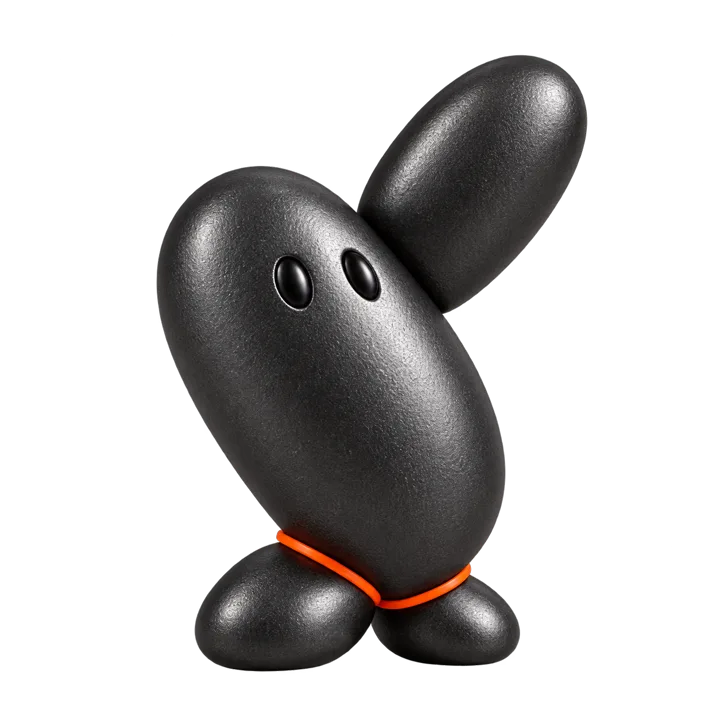
Max is AutoMessage’s workout assistant. Text him the time you have and the equipment available, then ask for a workout that fits. You can revise the plan in the same thread instead of searching for another routine.
Start with the constraint that usually stops you
A request like ‘make me fit’ gives an assistant little to work with. ‘I have 15 minutes before dinner and no equipment’ describes a decision you can make today. Add whether you are new to exercise and which movements you want to avoid.
Ask for a short explanation of each movement and a simpler option. Max can share selected exercise images, but a picture does not establish that a movement suits your body. If pain or an injury changes what you can do, get guidance from a qualified professional.
Revise one thing at a time
Read the plan before starting. If it needs a floor mat you do not have, say so. If the session is longer than your available time, ask Max to remove a round. Specific feedback is more useful than asking for an entirely new plan with the same missing details.
Afterward, describe which part felt manageable and which felt too hard. Keep your own record if you want to compare sets, weights, or progress over weeks. Max’s conversation is not a dedicated training log.
When a workout app is the better fit
Choose a structured workout app when you want exercise demonstrations, a persistent log, and progression across a program. Max’s advantage is the short conversation around today’s plan. You can use a training app for the program and text Max when you need to think through a change.
How can I plan a workout when I only have ten minutes?
Text Max: “I have ten minutes, no equipment and room to stand but not lie down. Help me choose a beginner workout and explain each movement.” Include any movements you need to avoid. Ask for a shorter outline if the reply uses more time or space than you have.
Before starting, check that you understand the movements and that the plan fits your constraints. Afterward, tell Max which part you want to change for next time. Save your own record if you need to compare sessions; the thread does not automatically track sets or progress.
Messages to try
Use a message as a starting point. Change the details to fit your situation.
I’m a beginner with 15 minutes and no equipment. Help me plan a simple workout and explain each movement.
That needs more space than I have. Can you adjust the plan for a small room?
I want to build a regular habit. Help me choose a realistic time for two sessions this week.
Common questions
Does Max track my workouts automatically?
No. Max helps through conversation. Use a dedicated log if you need sets, weights, and progress charts.
Can I ask Max to change a workout?
Yes. Tell Max which part does not fit your time, equipment, or experience, and ask for a revision.
Do I need gym equipment?
No. You can ask for a no-equipment outline. Tell Max what space and time you have.
Sources
Try a conversation with Max
Start with the question you want to work on. The conversation continues in your phone messages.
Text with MaxAI replies · Service terms · Privacy